


- Make sure you are connected to the internet
- Download the FlightCheck DMG file located at – https://markzware.com/products/flightcheck/download/
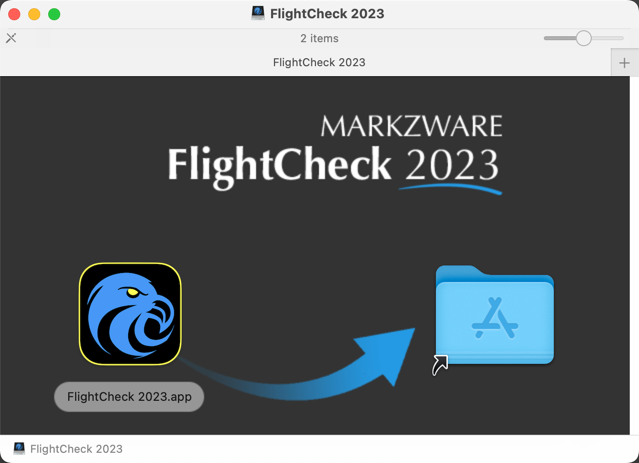
- Double-Click on the DMG, this will bring up a Drag-n-Drop Installer Window
- Drag the FlightCheck application icon onto the Applications Folder Alias [and release the mouse button]. This will copy FlightCheck into the Applications folder

- Start up FlightCheck
- You are now ready to launch and activate FlightCheck

Post your comment on this topic.