


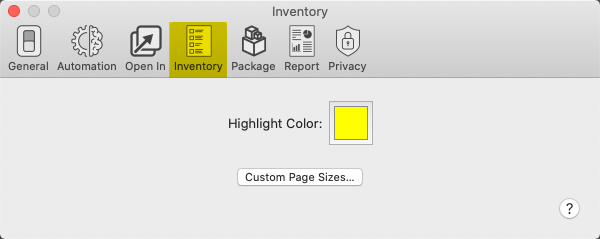
Highlight Color
Allows you to select the highlight color that is used when you click on an Image name and the image is highlighted in the FlightCheck onscreen Preview
Custom Page Sizes
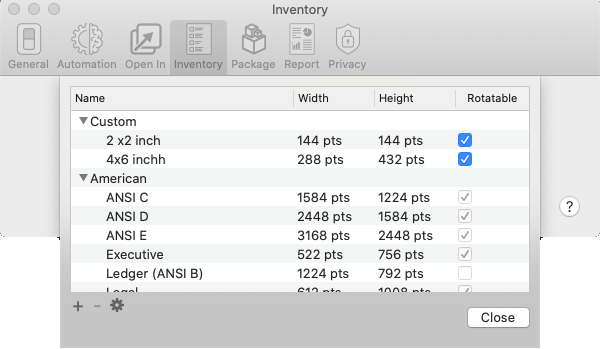
The Custom Page Sizes window allows you to add or delete your own custom page sizes. The Page Sizes entered are then used in the Pages section of the onscreen Inventory to label your page sizes. Custom page sizes also are used in Reports.
• Clicking on the + button allows you to add your own custom page size entry
• Clicking on the – button allows you to delete any custom page size entries you have created. The – button does not allow you to delete the built in Page Sizes that ship with FlightCheck.
• Clicking the Gear icon brings up the Import and Export options
• Export outputs the Page Size data as a JSON file in the location you select.
• Import reads the exported JSON file from the location you select and populates the Page Size data based on what is found inside the JSON file.

Post your comment on this topic.