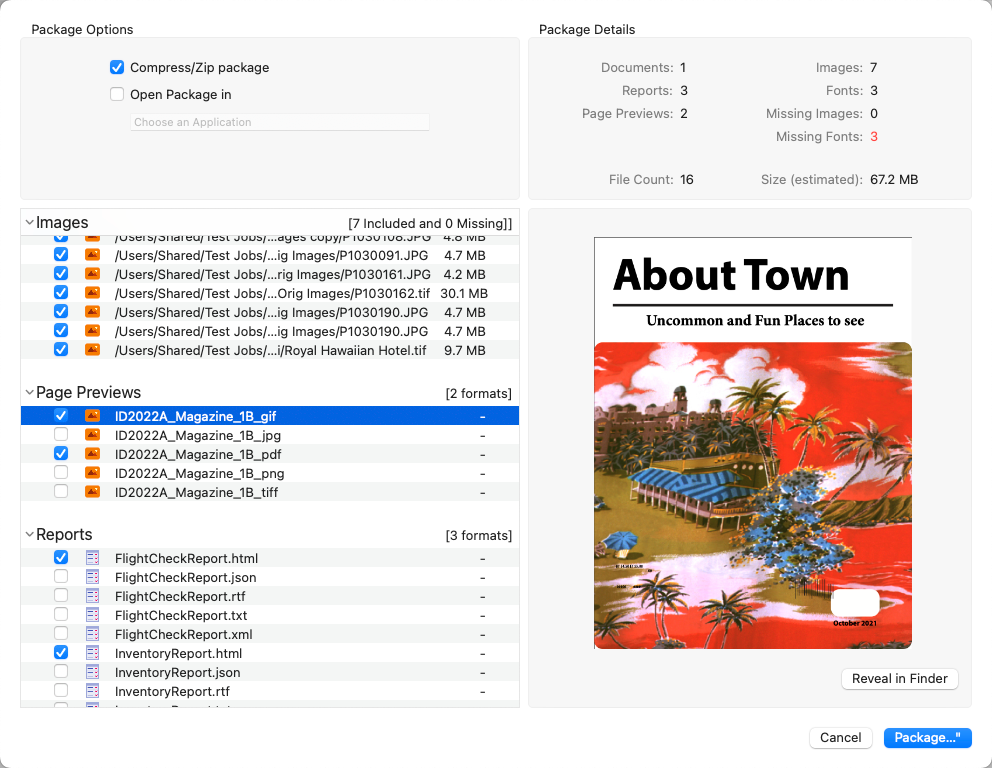
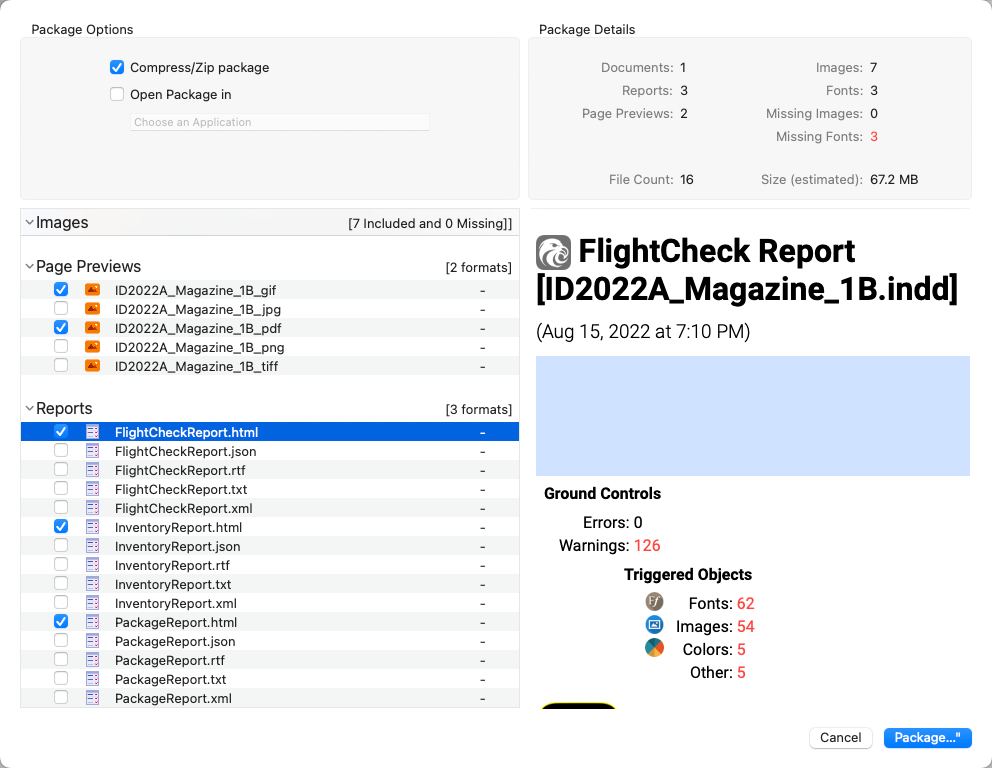
The Package Window also provides a Preview area. The preview in this area will change depending of what item on the left side of the page has been highlighted.
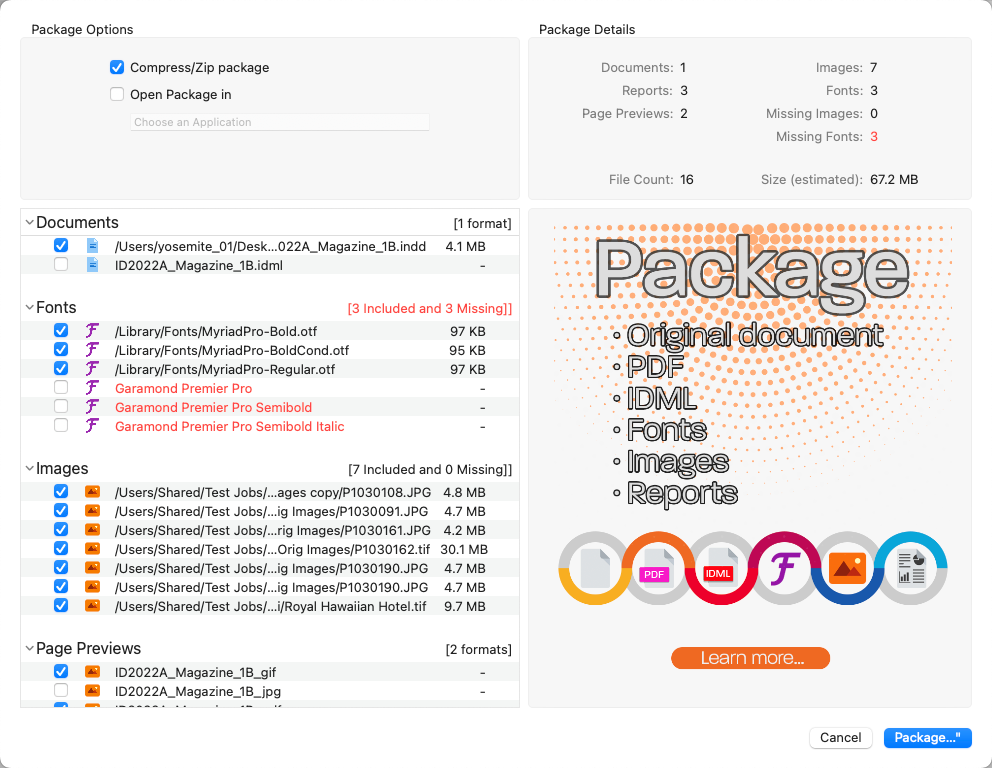
When you first arrive at the Package Page, you will see the Default Preview Graphic.

*If a preview of the file you have clicked on cannot be generated, you will see the generic Preview graphic as a place holder.
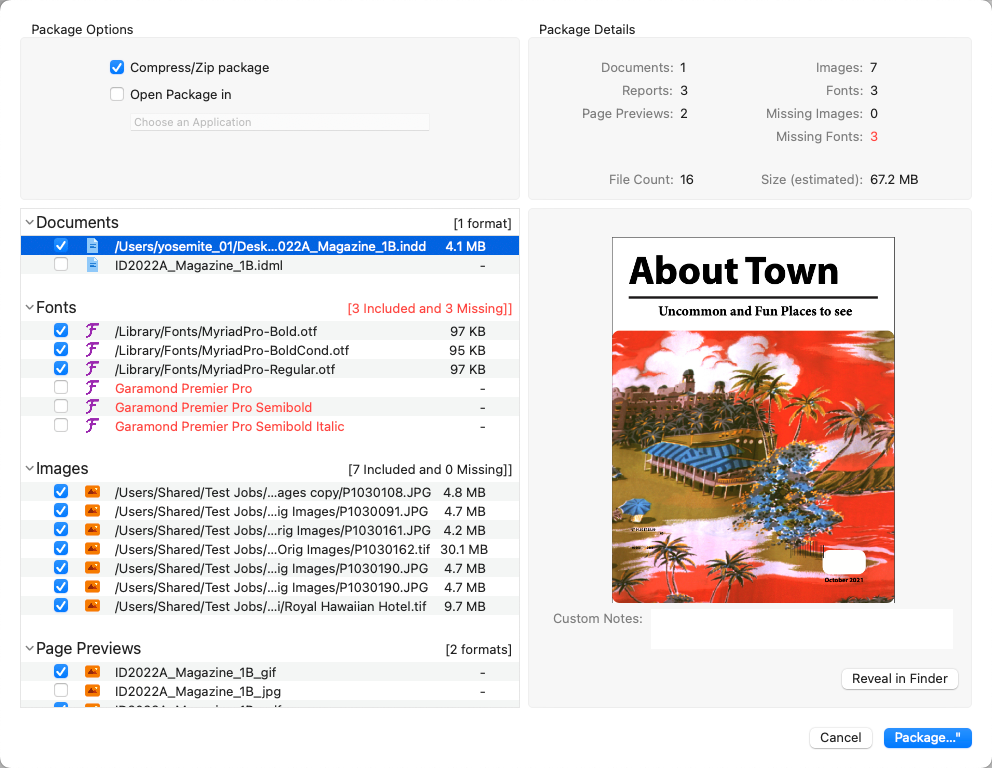
If you click on a Document, you will see a document preview.

*If you click on the idml file, since it is a generated file, no preview exists for it and you will see the generic Default Preview Graphic.
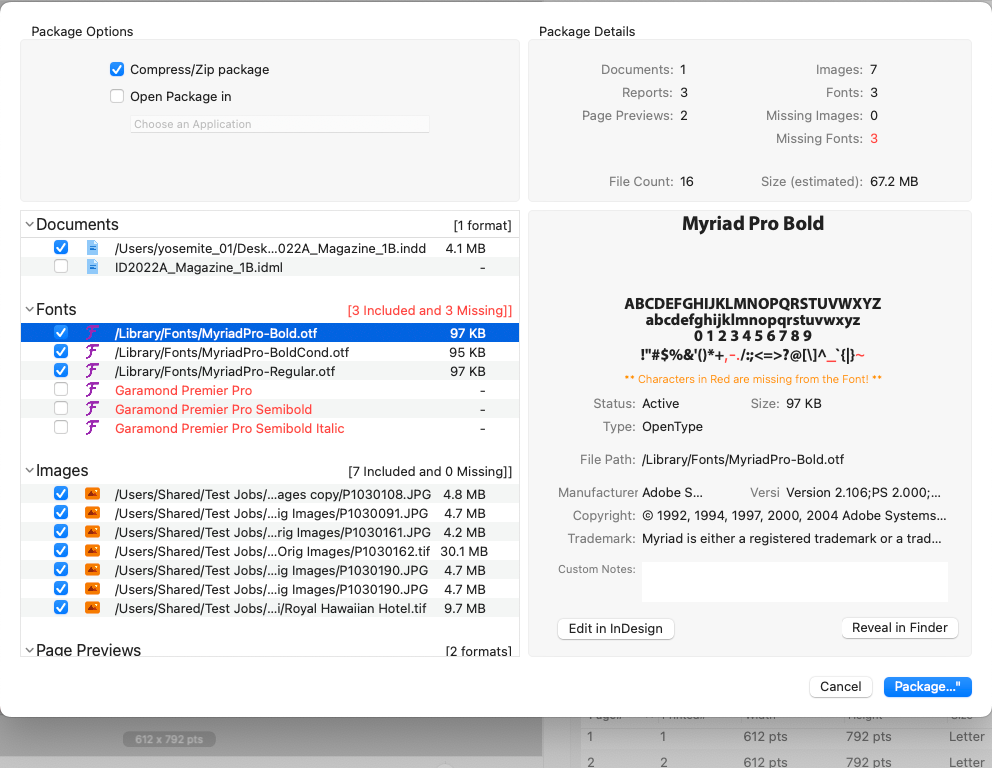
If you click on a font name, if the font is found, you will see information about the font and a type specimen preview

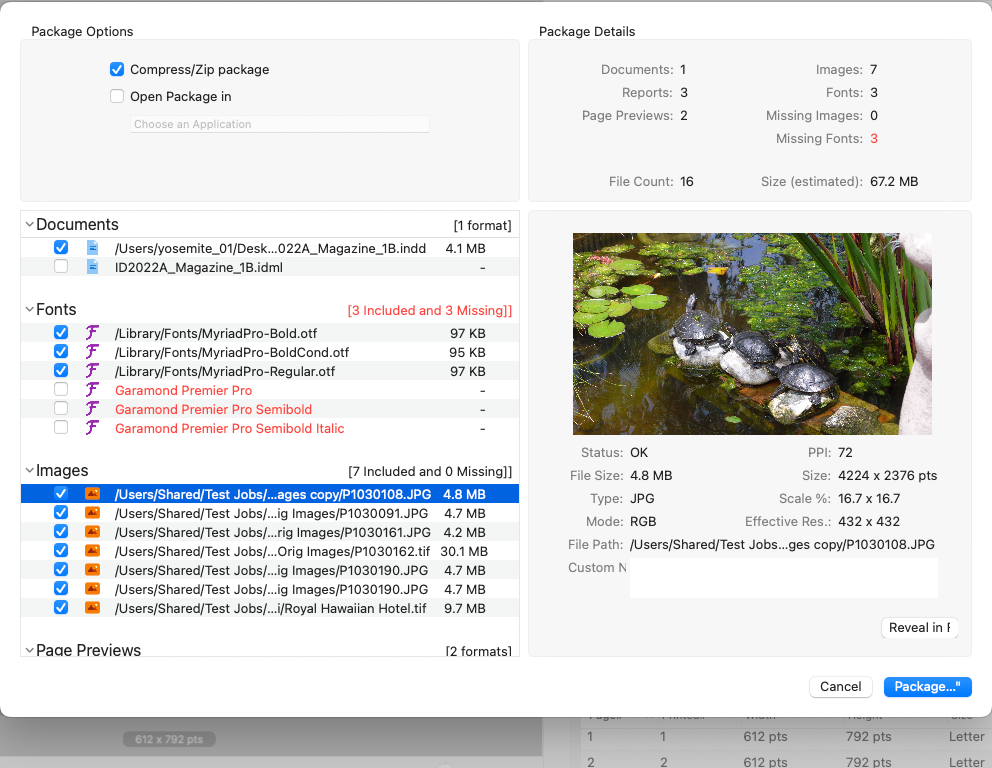
If you click on an image name, and the image is found, you will see information about the image and a preview

If you click on a Page Preview name, you will see a preview of the first page of the document

If you click on a Report name, depending on the report, you will either see a preview of the report or the Default Preview Graphic if a preview of the report cannot be generated during the Packaging process.




Post your comment on this topic.