


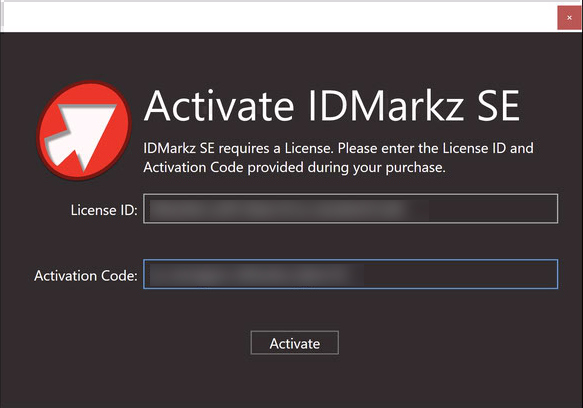
- When you first launch IDMarkz SE you will be prompted to activate the product. IDMarkz SE will not run unless activated

- Enter in the License ID you received when you purchased IDMarkz SE. It is easiest to copy and paste the License ID instead of manually trying to type it in.

- Enter in the Activation Code you received when you purchased IDMarkz SE. If the License ID and Activation Code match the Activate button will light up. It is easiest to copy and paste the Activation Code instead of manually trying to type it in.

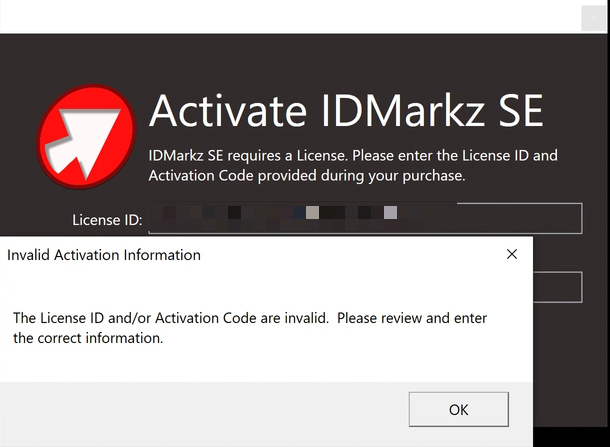
- If you enter an invalid License ID or Activation code you will receive an error message. Please make sure you are entering the proper code into the proper area. The License ID and Activation code cannot be interchanged.

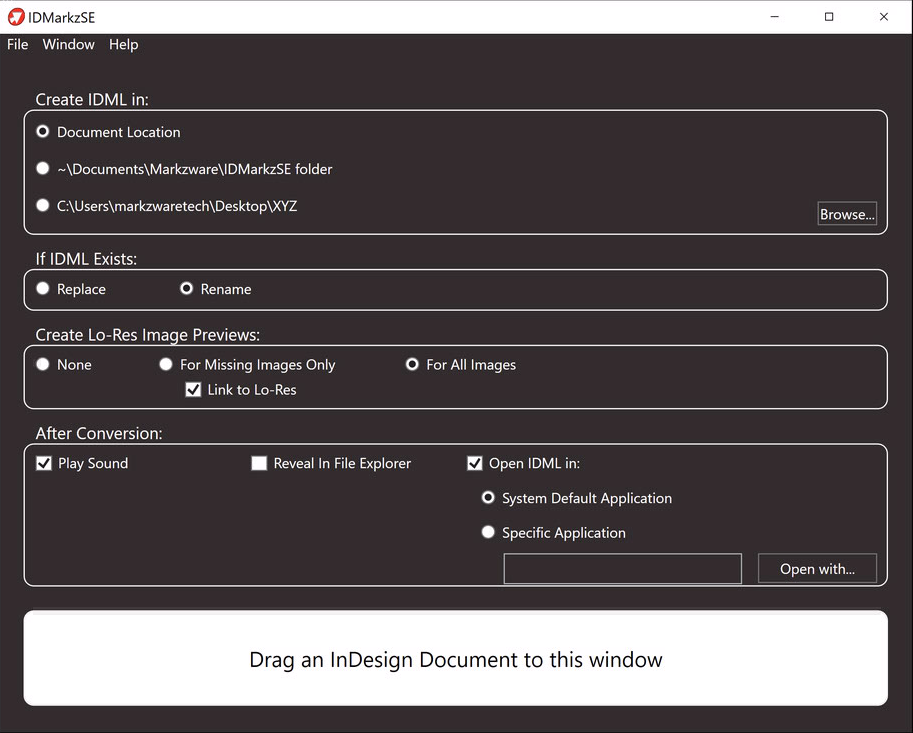
- If the License ID and Activation code are entered correctly, IDMarkz SE will open up and the main Window will appear.

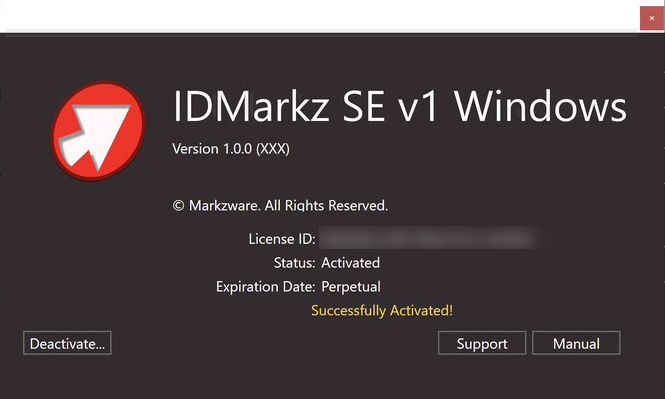
- If you would like to check the activation status of IDMarkz SE, go to the Help Menu and select About.







Post your comment on this topic.