
Select the option that fits your workflow.
Convert InDesign, QuarkXPress & More — Directly to Canva

Open All Your Designs in Canva
Bringing Your Design Files Into the Canva 💜 Era

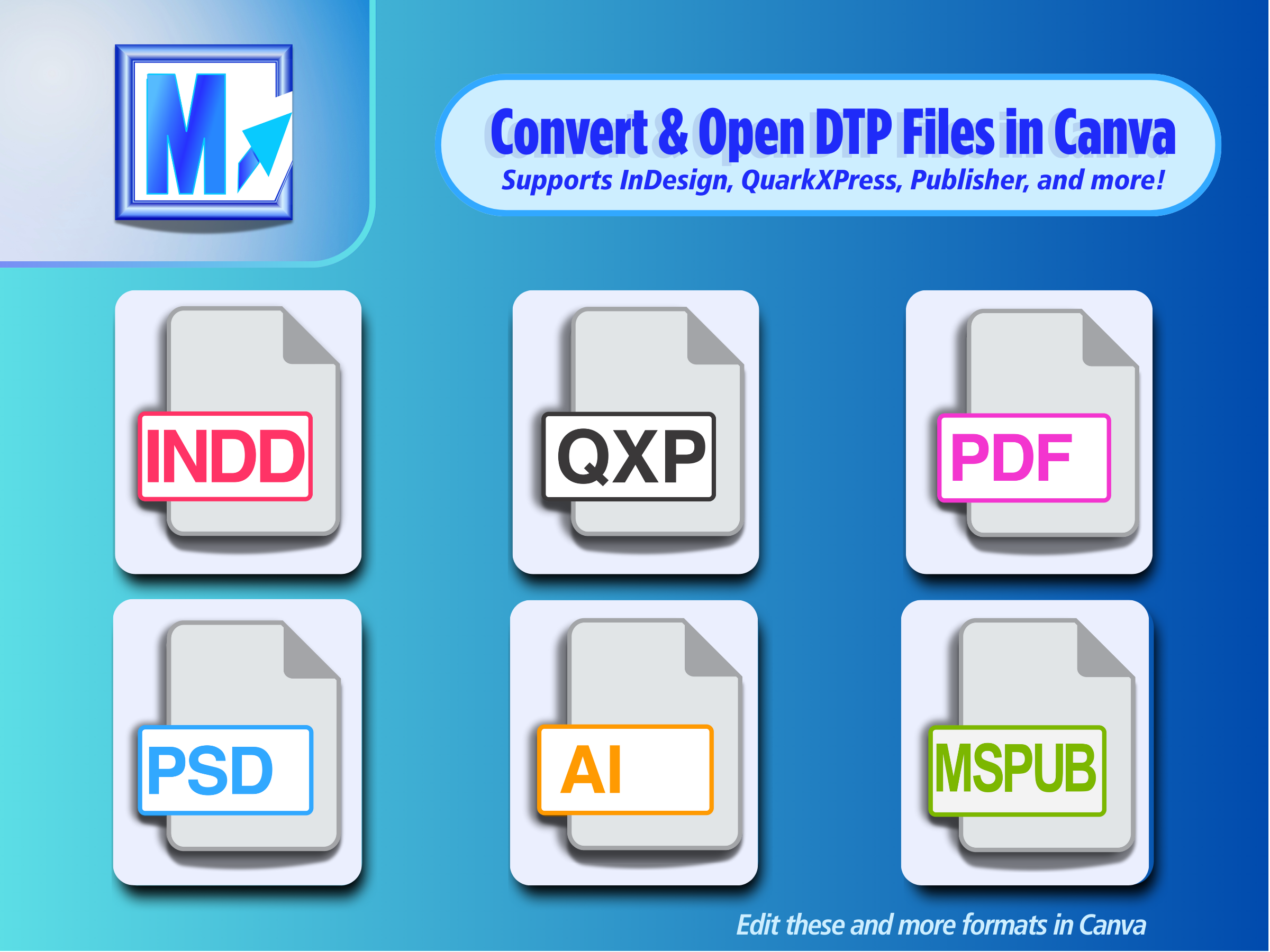
DesignMarkz by Markzware is a powerful file conversion tool that allows you to open and convert Adobe InDesign, QuarkXPress, PDF, Publisher, and Photoshop files into formats compatible with platforms like Canva. With the latest update, DesignMarkz brings IDML files directly into Canva, extending the workflow and making it easier to edit, collaborate on, and reuse InDesign content.
DesignMarkz preserves editable elements such as text, images, and layouts, so you can continue working without rebuilding designs from scratch. Ideal for creative teams and individuals. DesignMarkz streamlines workflows and ensures cross-platform compatibility without needing the original design software.
Convert Instantly – Turn InDesign, Photoshop, QuarkXPress, Publisher and PDFs into Canva.
Editable Designs – Maintain text, images, and layouts.
Save Time – No need to recreate files.
For Teams – Easily share assets in Canva.
Multi-Format Support – Ensure design integrity.
Cloud Editing – Modify designs from anywhere.
Seamless Compatibility – Convert files without the original software.
Fast Workflow – Skip manual rebuilding.
No Extra Software – Edit without costly subscriptions.
Boost Productivity – Work Faster
Creative Freedom – Bridge pro tools and Canva.
Unlock Old Files – Repurpose past designs.
Cost-Effective – Save on software costs.
Multi-Format Ready – Across platforms.
Future-Proof – Adapt to cloud-base
The DesignMarkz Advantage
Convert Instantly, Create Effortlessly
DesignMarkz eliminates the frustration of file incompatibility. Transform your InDesign, Photoshop, QuarkXPress, Publisher, and PDF files into Canva-ready formats with a single click.
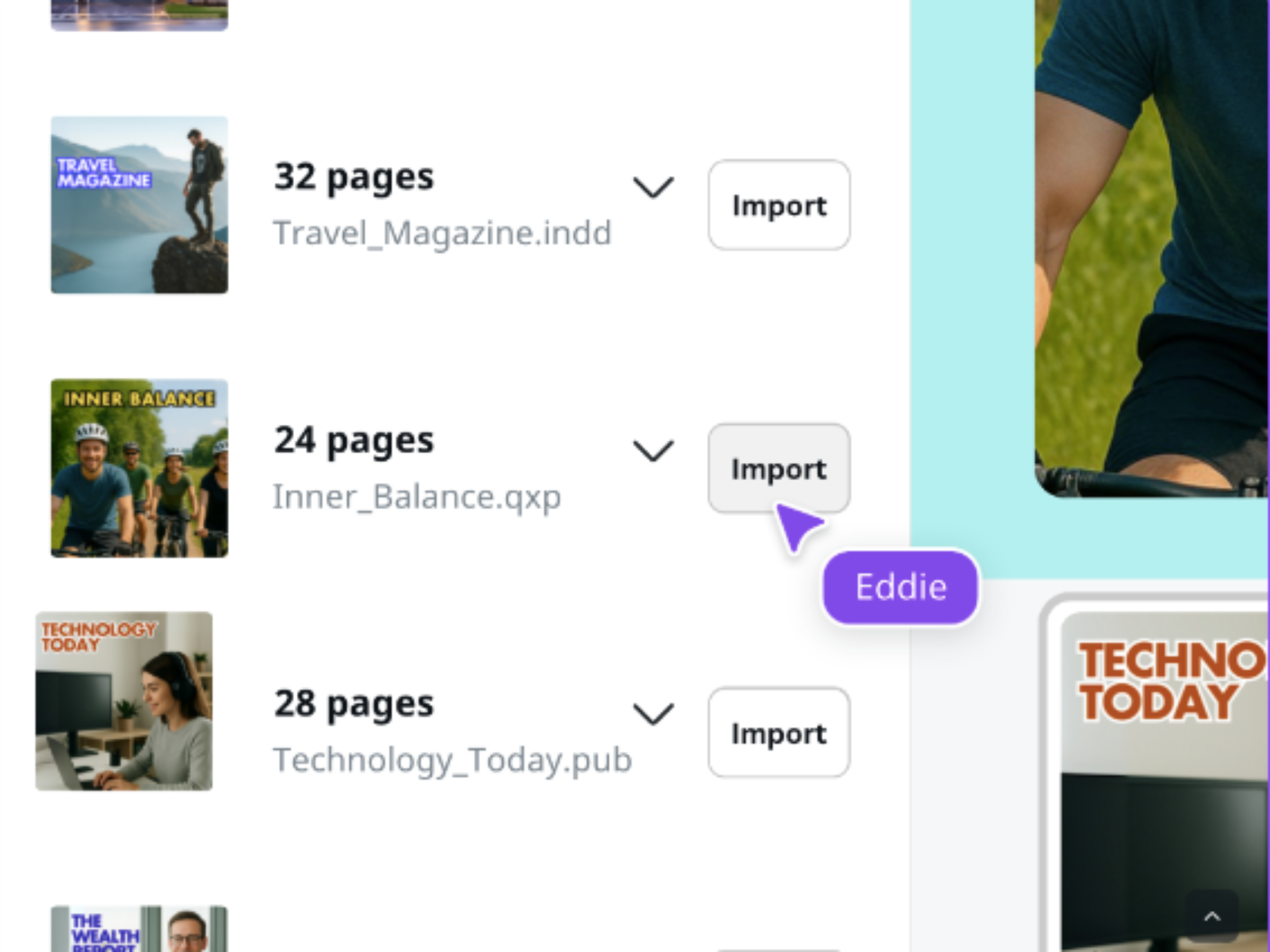
Say goodbye to tedious manual conversions and hello to streamlined workflows.
Benefits You’ll Love
Supercharge Your Design Productivity
DesignMarkz is more than just a converter; it’s a productivity powerhouse.
Whether you’re a solo designer or part of a collaborative team, DesignMarkz empowers you to work smarter, not harder.
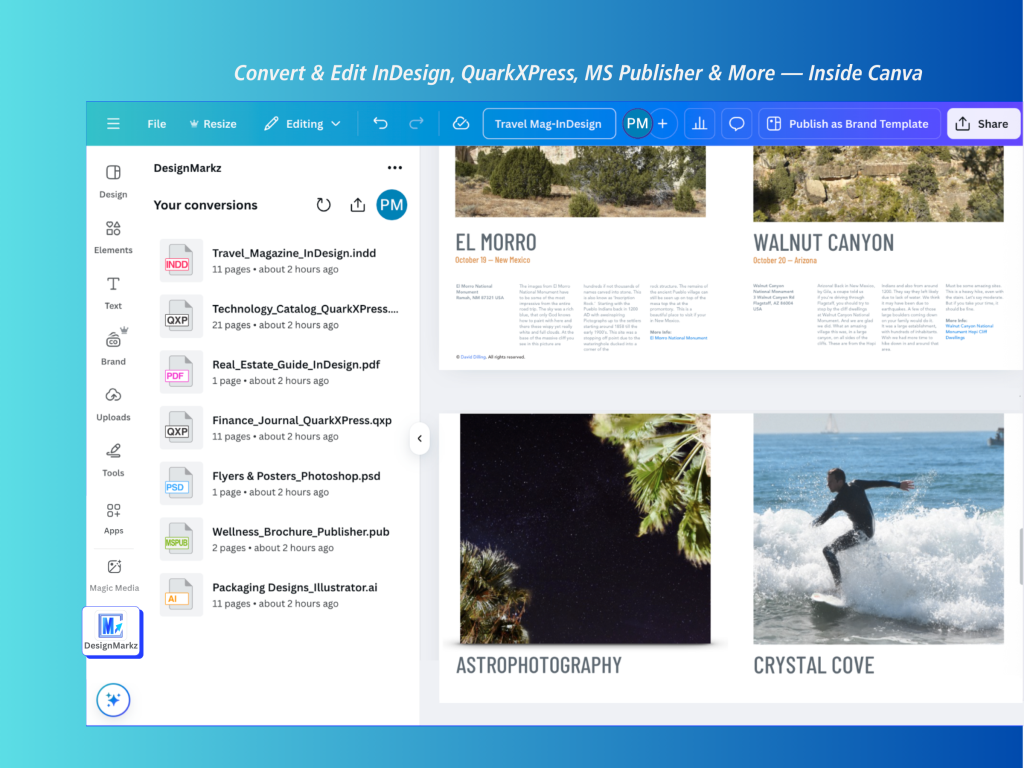
Save Time & Resources: Eliminate the need to recreate designs from scratch.
Seamless Team Collaboration: Share and edit assets effortlessly within Canva.
Cloud-Based Flexibility: Access and modify your designs from anywhere, anytime.
Multi-Format Mastery: Handle a wide range of file types with ease.
Future Proof Workflow: DesignMarkz keeps your workflow current with cloud based design platforms.
Why DesignMarkz is Essential for Your Workflow
DesignMarkz is designed to address the challenges faced by modern designers. It’s about breaking down barriers and unlocking creative potential.
Seamless Compatibility: Convert files without needing the original software installed.
Fast Workflow: Skip the manual rebuilding process and jump straight into editing.
No Extra Software Costs: Avoid expensive subscriptions to design applications.
Boost Productivity: Increase your output and focus on creativity.
Creative Freedom: Bridge the gap between professional tools and Canva’s user-friendly platform.
Unlock Old Files: Revitalize and repurpose your legacy designs.
Cost-Effective Solution: Save money on software licenses and reduce project time.
Multi-Format Ready: Ensure seamless compatibility across various platforms.
How It Works (Simple 3-Step Process)
Effortless Conversion in three Easy Steps
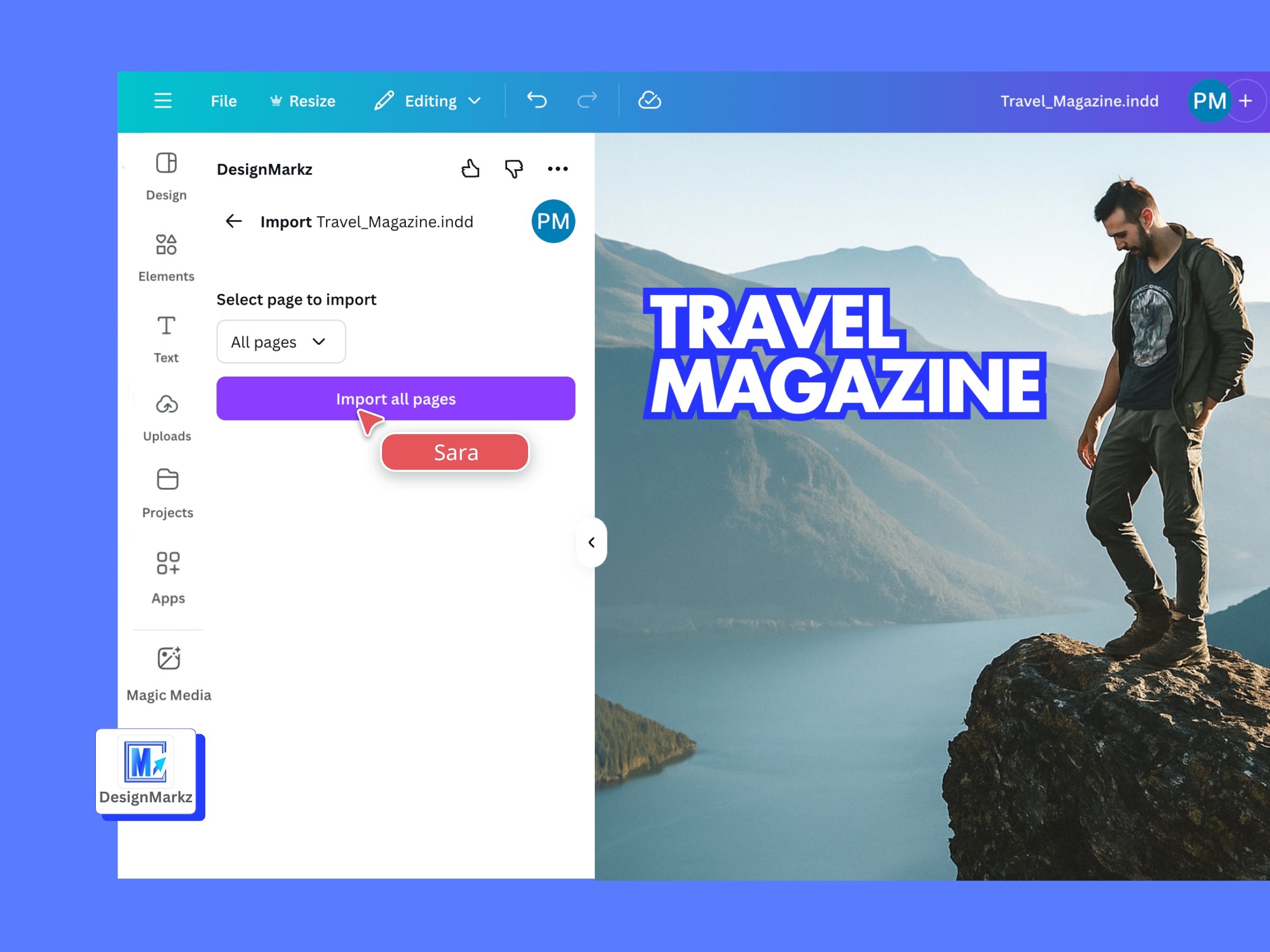
1. Upload Your File: Select your InDesign, Photoshop, QuarkXPress, Publisher, or PDF file.
2. Convert with DesignMarkz: Let DesignMarkz work its magic and convert your file to a Canva-compatible format.
3. Edit in Canva: Open and edit your design directly in Canva, maintaining all editable elements.
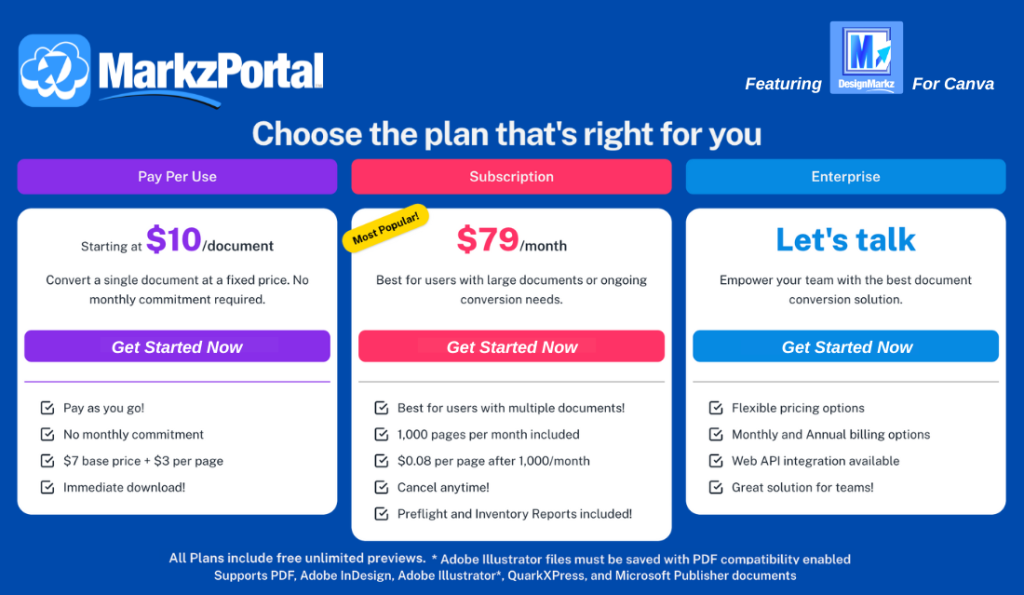
Experience DesignMarkz Today!
Submit your review | |
I needed to find a way to edit a doc that was in Publisher, and converting to Canva was fairly seamless and totally worth the investment. What a great solution!
Great app that has converted all my InDesign documents in Canva, so not only can I amend and update, but so can my sister! A game changer, and it saved so much time. Thank you!
I was hoping to bring a fancy InDesign sell sheet for wholesale orders into Canva so I could pretty it up, and your tool did a wonderful job. Made my life much easier and brought the layout in exactly as it looked in the print file. Probably saved 4-5 hours plus the cost of an InDesign license we'd never use again.
It is a pain point when clients ask us to send design files over in Canva, since our agency uses Adobe, but DesignMarkz has made it super easy and fast to rework our Adobe files in Canva. Without DesignMarkz we would have spent hours reworking INDD files and going back and forth with clients. This was a lifesaver!
