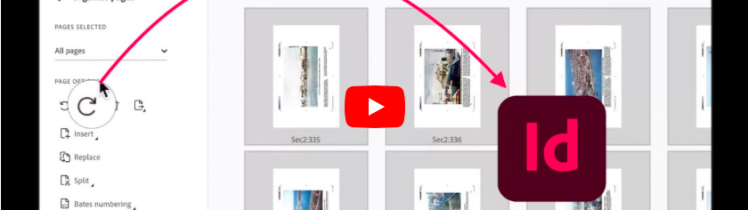
How to Rotate PDF Pages and Convert to InDesign
In this video, David Dilling from Markzware demonstrates how to recover and restore a damaged InDesign file using Markzware’s powerful

Select the option that fits your workflow.
In this video, David Dilling from Markzware demonstrates how to recover and restore a damaged InDesign file using Markzware’s powerful

Structured tools for opening, inspecting, converting, and reusing complex publishing documents.