Breaking the Canva Barrier with DesignMarkz and ConvertMarkz
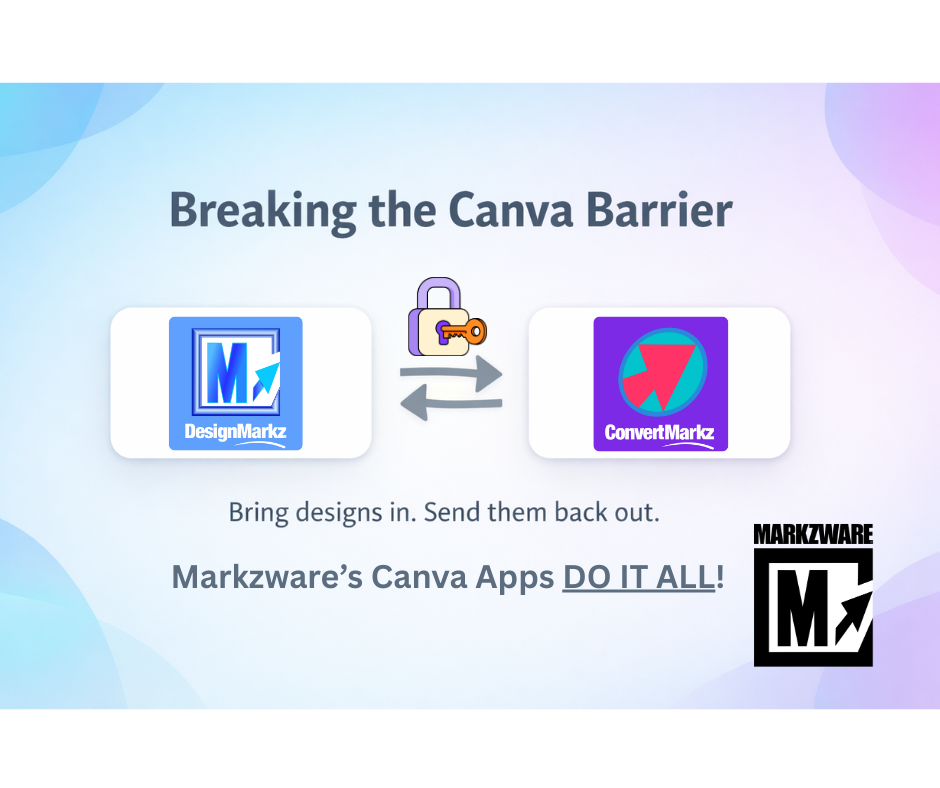
Canva has transformed design collaboration, but it still creates a gap between professional publishing files and cloud-based workflows. This article provides an overview of Markzware’s two-way Canva workflow—not a step-by-step tutorial.
DesignMarkz brings InDesign, Publisher, Affinity Publisher, QuarkXPress, and PDF files into Canva as editable designs. ConvertMarkz moves completed Canva designs back into professional publishing workflows. For detailed instructions, see How to Use DesignMarkz in Canva and Convert Canva Designs to InDesign, Affinity & More.
The Challenge with Canva Only Workflows
Many teams already have years of content created in tools like Adobe InDesign, Microsoft Publisher, and PDF based layouts. While Canva is ideal for collaboration and quick updates, it does not natively open or export many professional file formats.
This often leads to duplicated work, lost formatting, or manual rebuilds that waste time and resources.
DesignMarkz Brings Your Designs into Canva
DesignMarkz is a Canva app designed to import professional layout files into Canva as editable designs.
With DesignMarkz, you can:
- Convert Adobe InDesign files into Canva
- Bring Microsoft Publisher files into Canva
- Import PDF based designs for continued editing
- Preserve layout structure so designs stay intact
DesignMarkz allows teams to modernize their workflow without abandoning the files they already rely on.
ConvertMarkz Moves Canva Designs Back Out
Once design work is complete, ConvertMarkz lets you take Canva designs and convert them back into professional formats.
With ConvertMarkz, you can:
- Export Canva designs to Adobe InDesign
- Create production ready PDF files
- Deliver files that meet print and publishing requirements
ConvertMarkz ensures Canva does not have to be the final destination in your design process.
One Two-Way Workflow
Used together, DesignMarkz and ConvertMarkz create a seamless two way workflow:
- Bring designs into Canva with DesignMarkz
- Collaborate, update, and refine designs in Canva
- Convert finished designs back out with ConvertMarkz
This flexibility allows teams to work in Canva without being locked into a single platform.
Powered by MarkzPortal
Both DesignMarkz and ConvertMarkz are powered by MarkzPortal, Markzware’s cloud based conversion engine. MarkzPortal handles file conversions behind the scenes, delivering accurate results without requiring desktop software installations.
Because MarkzPortal powers both apps, teams benefit from consistent, reliable conversions across formats and workflows.
A Smarter Way to Use Canva
Design workflows no longer need to be one direction only. With DesignMarkz and ConvertMarkz, Canva becomes a connected hub that works alongside professional design tools instead of replacing them.
Bring designs into Canva. Send them back out. Stay flexible.
Take Full Control of Your Canva Designs
Import professional layouts into Canva and export finished designs with confidence. DesignMarkz and ConvertMarkz remove the limits from your Canva workflow.
Updated on: August 22, 2026