
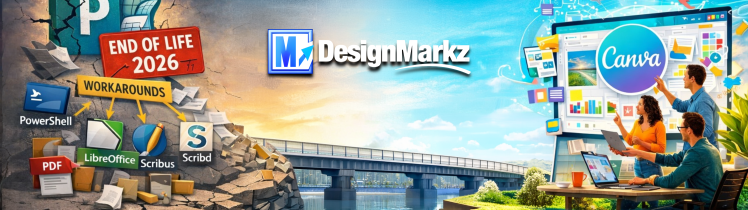
Microsoft Publisher End of Life 2026: How to Open, Convert and Migrate .PUB Files
Microsoft Publisher is removed from Microsoft 365 on October 1, 2026. Compare replacement options and learn how Markzware helps organizations
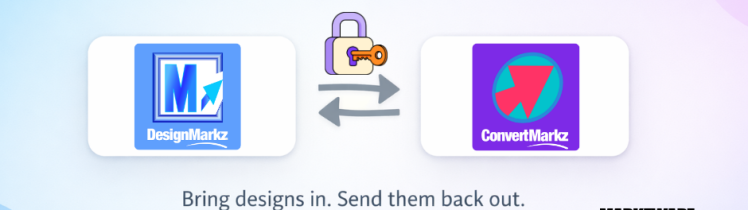
Breaking the Canva Barrier with DesignMarkz and ConvertMarkz
DesignMarkz and ConvertMarkz break the Canva barrier by letting you bring professional design files into Canva and convert finished designs
Microsoft Publisher Is Ending on October 1, 2026. Here’s What to Do Next.
Microsoft Publisher is ending on October 13, 2026. Learn how DesignMarkz helps you move Publisher files into Canva, with MarkzPortal

3 Easy Ways to Convert InDesign to Affinity
Learn 3 easy ways to convert your InDesign files to Affinity and which option is the best for you.
How to Convert Microsoft Publisher to Canva
Move Publisher files into Canva without rebuilding. See what Canva supports, how conversion works, and why DesignMarkz is the fastest

Why OmniMarkz Is the Ultimate File Converter
Preview, inventory, and convert Microsoft Publisher, InDesign, QuarkXPress, and PDF files with OmniMarkz 2026, Conversion Center, and MCP workflows.

How to Detect Generative AI in Photoshop Files with FlightCheck
Learn how to detect Generative AI & Adobe Firefly elements in Photoshop files with FlightCheck. Spot issues fast—no need to

How Windows Users Can Export to JSON with MarkzPortal
Windows users can now export DTP files to JSON using MarkzPortal, Markzware’s powerful browser-based conversion solution. No macOS required!

How to Handle Problematic Design File Transfers
Tired of receiving design files you can’t open or fix? Markzware offers powerful tools to preview, convert, and recover design
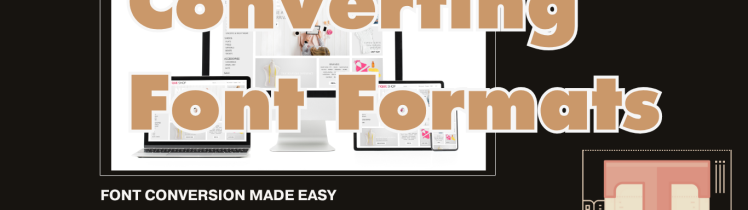
How to Convert Font Formats: WOFF to TTF, OTF, and More
Converting between Canva and InDesign or Affinity Publisher? Canva primarily uses WOFF and WOFF2 formats for its web-based platform. Adobe
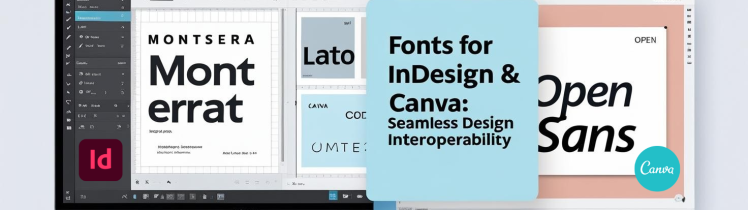
Design Interoperability: Using Fonts in Adobe InDesign for Seamless Canva Integration
The Challenge of Font Interoperability Adobe InDesign relies on system fonts like TrueType (.ttf) or OpenType (.otf), while Canva uses
How to Convert Adobe InDesign Files Without Adobe
Learn how to convert InDesign files without Adobe using Markzware tools. Fast, easy alternatives for designers, print pros, and freelancers.
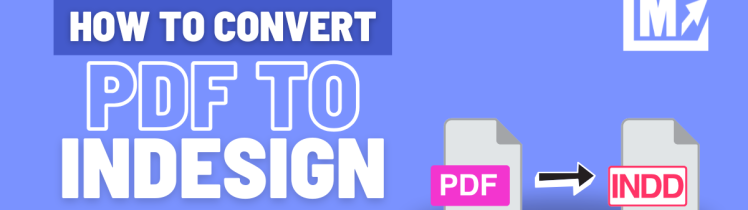
How to Convert PDF to InDesign
Convert PDF to editable InDesign files in seconds with PDFMarkz. Keep your layout, fonts, and images intact. Ideal for designers,
